VLC Media Player — free download for every device
VLC Media Player is the free, open-source media player from the non-profit VideoLAN. It plays virtually any video or audio file — MP4, MKV, AVI, MP3, FLAC and hundreds more — with no codec packs, no ads and no spyware.
- 100% free
- No ads or spyware
- Open source
- 5+ platforms
What is VLC Media Player?
VLC Media Player is a free and open-source media player created by VideoLAN, a non-profit organisation. First released in 2001, it has become one of the most widely used media players in the world, with billions of downloads across every major platform. VLC plays almost every audio and video format in existence — including MP4, MKV, AVI, MOV, MP3, FLAC and OGG — without any need to install separate codec packs, because every codec it requires is built directly into the player.
VLC is far more than a simple file player. It can stream network and online media, play DVDs and Blu-rays, capture and record your screen, convert files between formats, and download or fine-tune subtitles. It runs on Windows, macOS, Linux, Android and iOS, contains no advertising or spyware, and is funded entirely by donations. Because it is released under the GPLv2+ licence, the complete source code is public — anyone can audit exactly what the software does, which is a large part of why VLC is so widely trusted.
VLC has been developed in the open since 2001 by VideoLAN, a non-profit organisation that grew out of a student project at École Centrale Paris. Because the project accepts no advertising money and is funded entirely by donations, there is no commercial pressure to bundle extra software, show adverts or hold features back for a paid edition — the version you download is the complete product. That model, combined with source code that anyone can inspect, is why VLC has been downloaded billions of times and is routinely recommended as the default free media player for Windows, macOS and Linux.
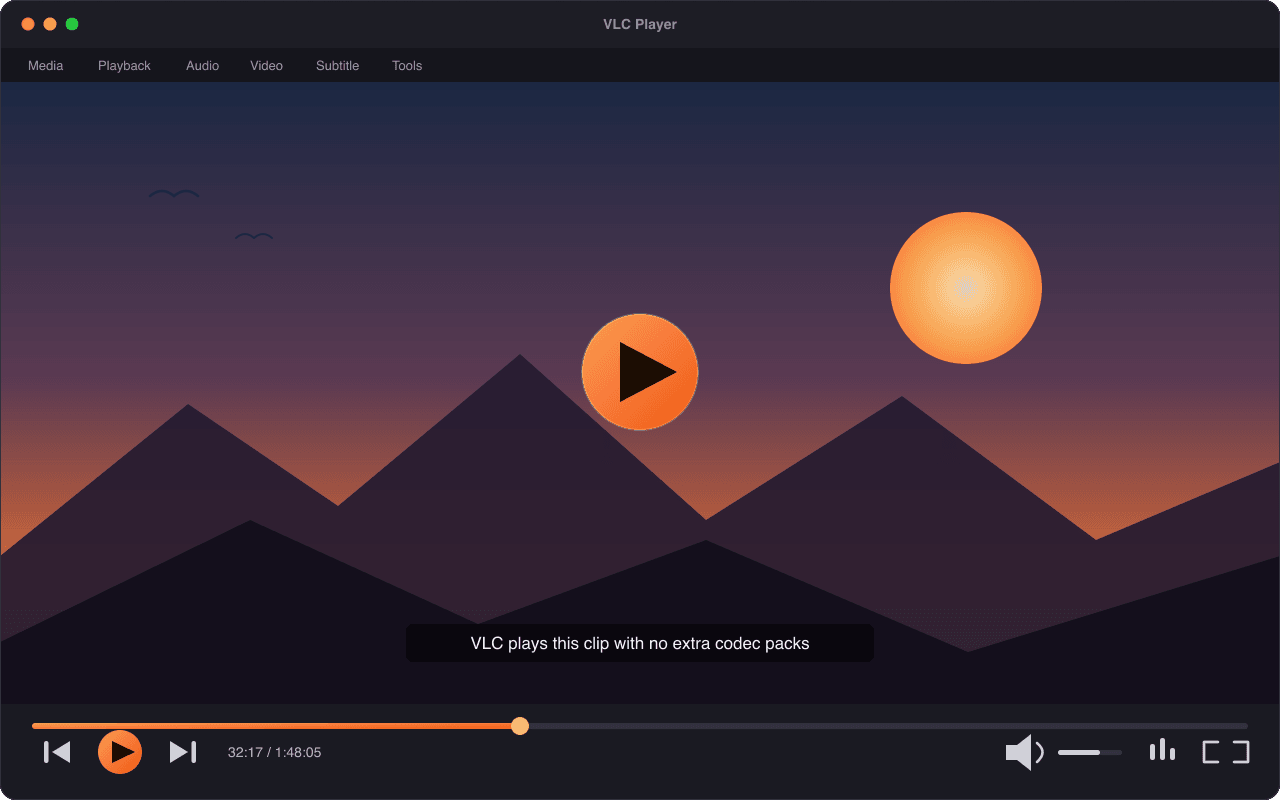
VLC at a glance
The essential facts about the player, the organisation behind it and what it costs.
| Software | VLC Media Player |
| Developer | VideoLAN — a non-profit organisation |
| Latest version | 3.0.23 (current stable release) |
| Licence | GPLv2-or-later — free and open source |
| Price | Free — no paid tier, no trial, no in-app purchases |
| Platforms | Windows, macOS, Linux, Android, iOS |
| Download size | About 42 MB on Windows |
| Advertising & tracking | None |
| First released | 2001 |
Information on this page was last reviewed by the vlc-mediaplayer.com editorial team on 22 May 2026. For the project's full history, see the official site at videolan.org and the the VLC article on Wikipedia.
Download VLC for your device
Pick your operating system to get the latest version with step-by-step install help.
VLC for Windows
Windows 7 SP1, 8.1, 10 and 11 · 32-bit & 64-bit
~42 MB DownloadVLC for macOS
macOS 10.10 Yosemite or newer · Apple Silicon & Intel
~55 MB DownloadVLC for Linux
Debian, Ubuntu, Fedora, Arch, Mint and more
Varies by distribution DownloadVLC for Android
Android 5.0 and newer · phones, tablets, Android TV
~45 MB Get itVLC for iOS & iPadOS
iOS / iPadOS 11 or newer · iPhone and iPad
~90 MB Get itVerified files. Every download links to VideoLAN's official servers, so you always receive the genuine, unmodified VLC installer — never a repackaged or ad-bundled copy.
Why choose VLC?
The strongest argument for VLC is the one you notice within
seconds of using it: your files simply play. Most media players are fine until
you hand them something unusual — a Matroska .mkv video, a
high-efficiency HEVC clip, an ageing DivX file — and then you are sent hunting
for a codec pack or left staring at an error message. VLC removes
that friction completely. Because every decoder it needs is built in, the file
you double-click opens and plays the first time, with nothing to configure.
Privacy is the second reason people switch. VLC shows no advertisements, adds no bundled toolbars or "special offers" during setup, and builds no profile of what you watch or listen to. The handful of network requests it can make — checking for updates, fetching album art — are optional and can be switched off in the preferences. For a tool that sees everything you play, that restraint matters.
It is also refreshingly light. VLC runs smoothly on older laptops and low-specification machines that struggle with heavier software, and it behaves the same way on Windows, macOS and Linux — learn it once and that knowledge follows you to every computer you use. Add more than two decades of continuous development and a transparent, donation-funded non-profit behind it, and VLC becomes an easy default rather than a compromise.
One player that does it all
The features that made VLC the default choice for desktops, laptops and phones worldwide.
Plays virtually every format
From MP4 and MKV to obscure legacy codecs, VLC opens files other players reject — no guessing, no error messages, no extra downloads.
Zero ads, zero tracking
No advertising, no bundled toolbars, no telemetry profile. VideoLAN keeps VLC clean on principle and refuses ad revenue to do it.
Free and open source
Released under the GPLv2+ licence. The full source code is public, auditable and maintained by a global community of volunteers.
No codec packs needed
Every codec VLC needs ships inside the player. Install once and play almost anything — nothing else to track down or configure.
Stream, cast and play discs
Open network streams and URLs, cast to other screens, and play DVDs, Blu-rays and audio CDs straight from the disc.
Convert, record and add subtitles
Built-in tools convert files between formats, record your screen and load, sync or download subtitles in seconds.
Who uses VLC?
VLC is built for everyone, but a few groups get particular value from it:
- Everyday viewers who want one dependable player for every video and song, instead of juggling several apps that each handle only part of their library.
- Students and educators who watch lecture recordings, slow down or speed up playback to follow along, and rely on subtitle support for foreign-language material.
- People with older or low-spec computers, because VLC Media Player stays responsive on hardware that newer, heavier software leaves behind.
- Privacy-conscious users who want a media player with no advertising, no tracking and source code they are free to inspect.
- Anyone who works with media — quickly checking an unfamiliar file, converting a clip to another format, or capturing a stream or screen recording.
If any of those sound like you, the download page has the right build for your device, and the guide to using VLC walks through everything from subtitles to file conversion.
One player for every file
VLC's built-in codec library means the file extension almost never matters. If a video or audio file exists, VLC can usually play it on the first try.
- MP4
- MKV
- AVI
- MOV
- WMV
- FLV
- WebM
- MPEG
- 3GP
- TS
- MP3
- FLAC
- AAC
- WAV
- OGG
- M4A
- WMA
- OPUS
A file's extension — .mp4, .mkv, .avi —
only names its container, the wrapper that holds the actual video and
audio streams. What truly decides whether a file plays is the codec
used to compress those streams. Many media players make you install codec packs
to fill the gaps; VLC ships with decoders for almost every codec in
common use — H.264, H.265/HEVC, VP9, AV1 and many more — so the
container-and-codec combination rarely matters.
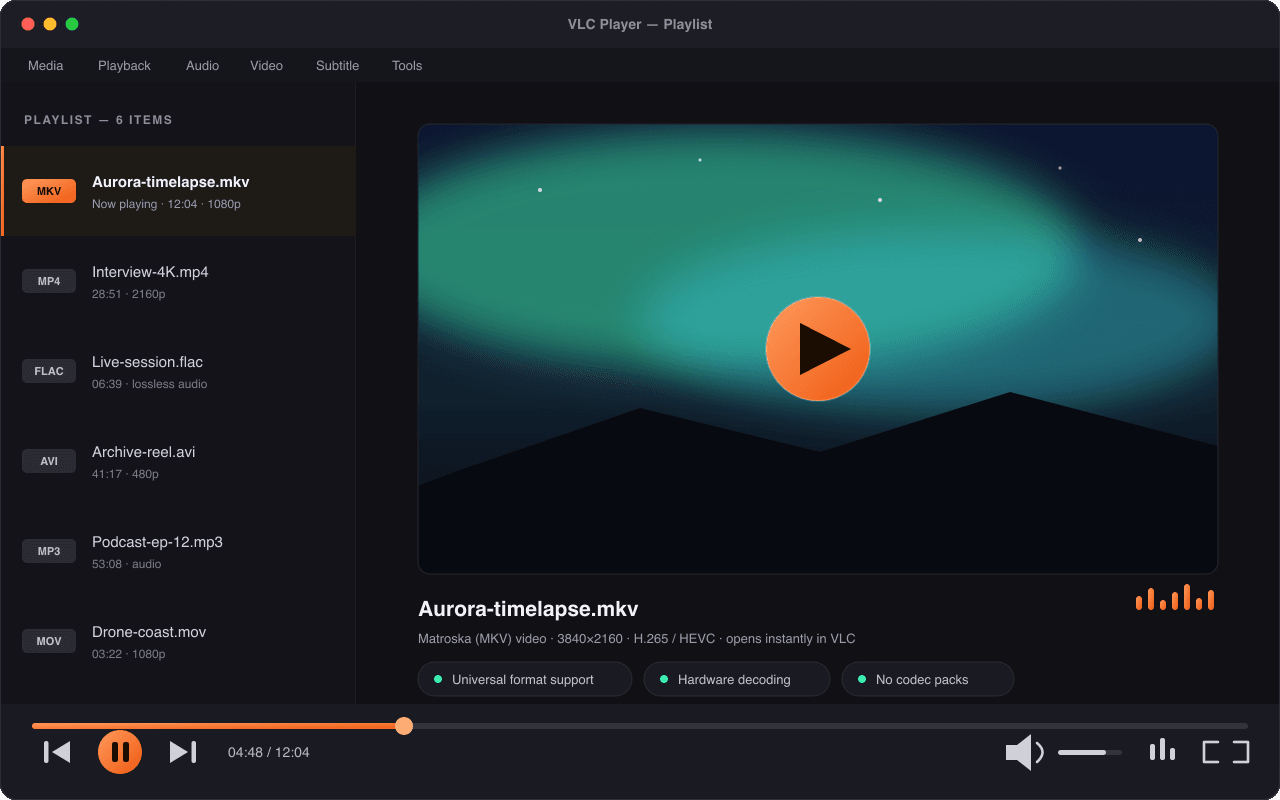
That is only a fraction of the list. See the full breakdown of video and audio formats VLC supports, including DVDs, Blu-rays, streams and capture devices.
VLC vs other media players
Most computers ship with a basic media player, but they tend to stumble on modern formats. Here is how VLC compares with two of the most common pre-installed options.
| Feature | VLC | Windows Media Player | QuickTime |
|---|---|---|---|
| Price | Free | Free | Free |
| Open source | Yes | No | No |
| Platforms | Windows, Mac, Linux, Android, iOS | Windows only | macOS (Windows version retired) |
| Plays MKV out of the box | Yes | Limited | No |
| Codec packs required | Never | Sometimes | Often |
| Network & stream playback | Yes | Limited | Limited |
| Subtitle support | Extensive | Basic | Basic |
| Ads or tracking | None | None | None |
The bottom line: built-in players are fine for everyday clips, but VLC removes the format guesswork entirely and works the same way on every operating system.
Is VLC Media Player safe to download?
Yes — VLC is safe to download and use. The player itself contains no advertising, no bundled third-party software and no spyware, and VideoLAN has publicly turned down advertising revenue to keep it that way. Because the source code is open, security researchers and ordinary users alike can inspect exactly what the software does, and confirmed vulnerabilities are fixed quickly in new releases.
The one genuine risk is not VLC itself but where you download it. A number of look-alike websites repackage the VLC installer with adware or unwanted extras and then compete for download searches. To stay safe, only download VLC from VideoLAN's official servers — which is exactly what every download button on this site does — and, on Windows, keep the default components during installation. If a "VLC" installer ever asks you to accept extra toolbars or change your browser home page, close it: the genuine installer never bundles anything.
How to download and install VLC
Installing VLC takes about two minutes and three simple steps.
- Choose your platform. Open the download page and select Windows, macOS, Linux, Android or iOS.
- Download the official file. The button takes you to VideoLAN's verified servers and the correct installer for your device begins downloading.
- Run the installer. Open the downloaded file and follow the prompts — or install from the Google Play Store or Apple App Store on mobile.
- Open a file and press play. Launch VLC, drag in any video or audio file, and it plays immediately. See the full guide to using VLC for more.
Frequently asked questions
Quick answers to the most common questions about downloading and using VLC.
Is VLC Media Player really free?
Yes. VLC is completely free to download and use, with no trial period, no paid tier and no in-app purchases. It is built by VideoLAN, a non-profit organisation funded by donations. VLC is also open-source software under the GPLv2-or-later licence, so its full source code is public and anyone can inspect, rebuild or contribute to it.
Is VLC safe to download and install?
VLC is safe when you get it from VideoLAN. The software itself contains no advertising, no bundled toolbars and no spyware or tracking. The real risk is unofficial copies — some third-party sites repackage VLC with adware. Every download button on this site links directly to VideoLAN’s official, verified files, so you always receive the genuine installer.
What video and audio formats does VLC play?
VLC plays virtually every common format: MP4, MKV, AVI, MOV, WMV, FLV and WebM for video, plus MP3, FLAC, AAC, WAV, OGG and M4A for audio. Every codec it needs is built in, so you never install separate codec packs. VLC also plays DVDs, Blu-rays, audio CDs, network streams and capture devices such as webcams.
Does VLC have ads or collect my data?
No. VLC shows no advertisements and does not track your activity, build a profile or sell data. VideoLAN has publicly turned down advertising revenue to keep the player clean. VLC does make a few optional network requests — for example to fetch album art or check for updates — and each of those can be disabled in the player’s preferences.
Which devices and operating systems support VLC?
VLC runs on Windows, macOS, Linux, Android and iOS, and also on Chrome OS, Android TV and Apple TV. Desktop builds support Windows 7 and newer and macOS 10.10 and newer, on both Intel and Apple Silicon. Mobile editions are on the Google Play Store and Apple App Store. It is one project for every screen you own.
Who develops VLC Media Player?
VLC is developed by VideoLAN, a non-profit that began as a student project in Paris in 1996 and shipped the first VLC release in 2001. It is maintained by a worldwide community of volunteers. This site, vlc-mediaplayer.com, is an independent guide and download portal and is not affiliated with VideoLAN — the official project lives at videolan.org.
Can VLC Media Player play 4K, HD and Blu-ray video?
Yes. VLC plays 4K Ultra HD and 1080p HD video, including modern HEVC (H.265) footage, and it also plays DVDs, Blu-ray discs and audio CDs. For very high-resolution video on an older computer, turning on hardware-accelerated decoding in the player’s preferences gives the smoothest playback.
How do I update VLC Media Player to the latest version?
VLC checks for updates automatically and tells you when a new version is available; on Windows and Mac you can also check manually from the Help menu. To update, download the latest version 3.0.23 installer and run it — it upgrades your existing installation and keeps your settings. On Linux, updates arrive through your package manager.
Explore more
What is VLC Media Player?
A plain-English overview of VLC, who builds it and why it is trusted.
Read moreVLC features in depth
Streaming, conversion, subtitles, recording and the tools most people miss.
Read moreHow to use VLC
A step-by-step guide to playing, converting and customising media in VLC.
Read more